Walkthroughs
15 short videos with captions, about 27 min in all: playing the story together, the map editor, scripting maps and making game mode mods. Pick a series or search, then play a video here.
Co-op Campaign
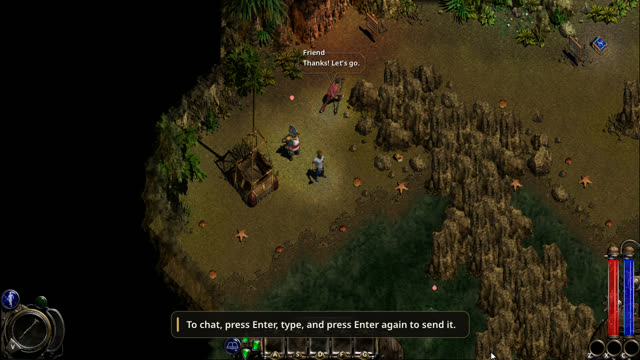
Playing · 1 video · 2 minPlay the Warrior's, the Wizard's or the Conjurer's story with up to three friends. More about it on the Features page.
Map Editor
Making maps · 8 videos · 13 minNoX Core comes with a map editor: open it from the main menu under Game Modes, or from Multiplay's Host Custom to build a map with friends. Each video builds on the one before.
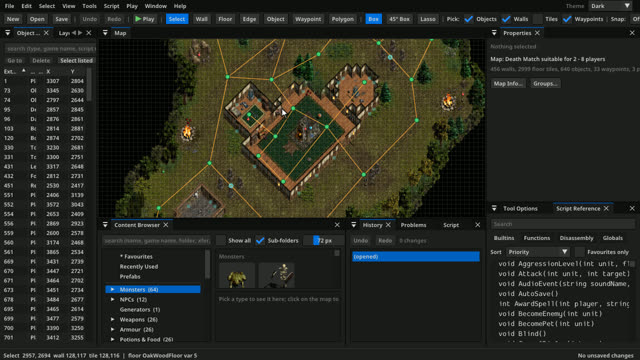 2:04Part 1 of 8Getting aroundOpen the editor, start a new map, look around a finished one, and arrange the panels the way you like.
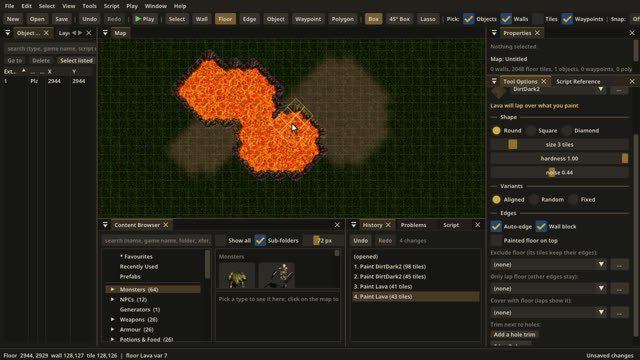 1:25Part 2 of 8Painting floorsPaint ground with the floor brush, watch the edges blend by themselves, and switch brushes and floor types.
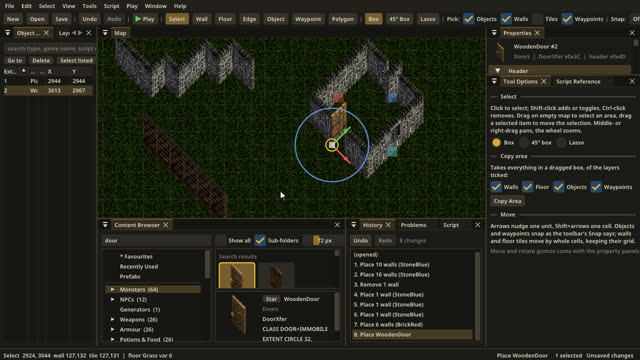 1:30Part 3 of 8Building wallsDraw walls that join and turn corners by themselves, build a room, and add windows, secret and breakable walls and a door.
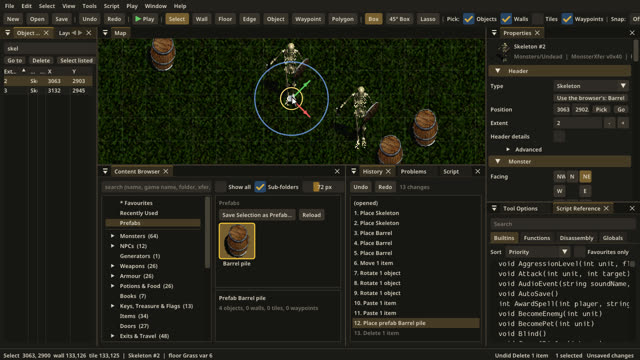 1:28Part 4 of 8Placing objectsFind things in the Content Browser, place and turn them, move them live, copy and paste, save prefabs, and find anything in the Object List.
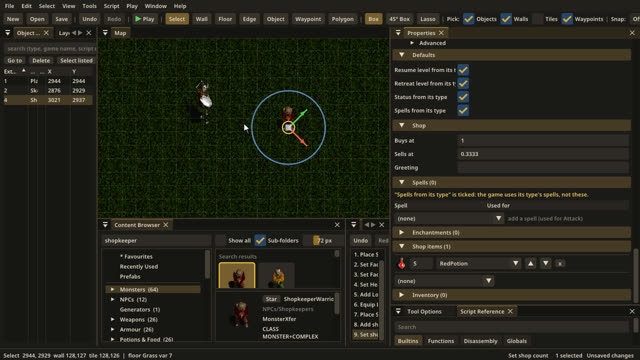 1:31Part 5 of 8Creatures and itemsSet a monster's facing, behaviour and health, give it things to carry, and fill a shopkeeper's shelves.
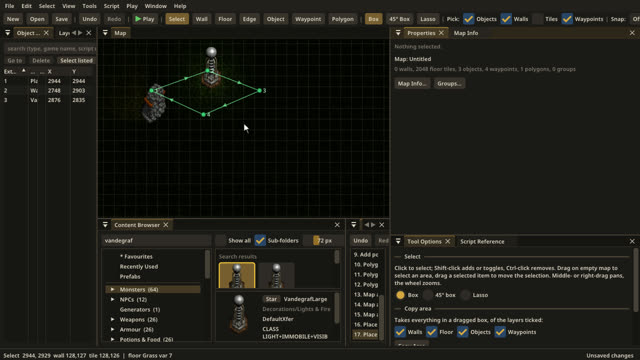 1:44Part 6 of 8Waypoints, polygons and lightingLay out waypoints, draw polygons for rooms and their light, darken the map, and light it with fires and lamps.
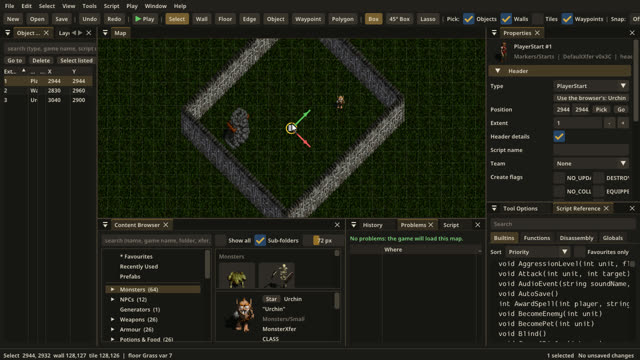 1:08Part 7 of 8Saving, problems and play-testingSave your map, let the Problems panel catch mistakes, and try the map out in the game without leaving the editor.
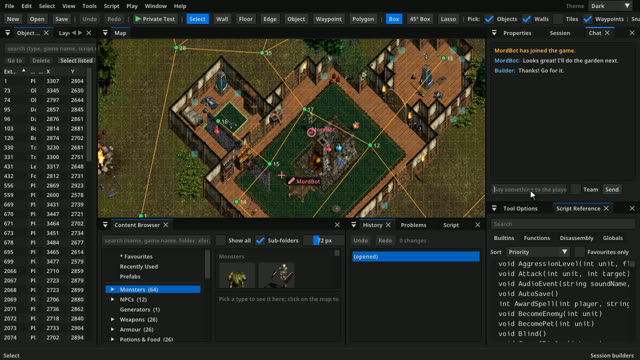 2:06Part 8 of 8Editing togetherHost a session from Host Custom, let a friend in to edit, see their pencil and locks, publish the changes, and chat.
Scripting Maps
Making maps · 2 videos · 3 minMake a map do things: the map editor's Script panel, from a first script to timers, live changes and tests.
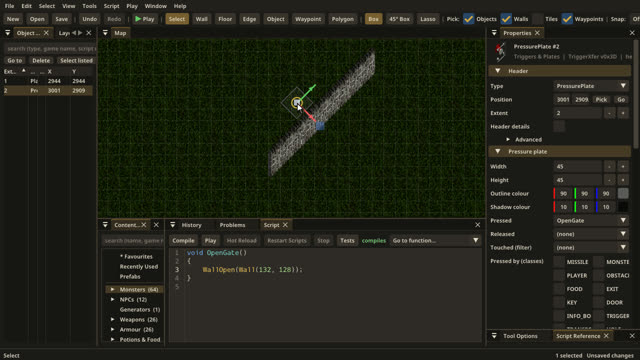 1:10Part 1 of 2Your first scriptWrite a function in the Script panel, fix a mistake the compiler finds, and make a pressure plate open a secret wall.
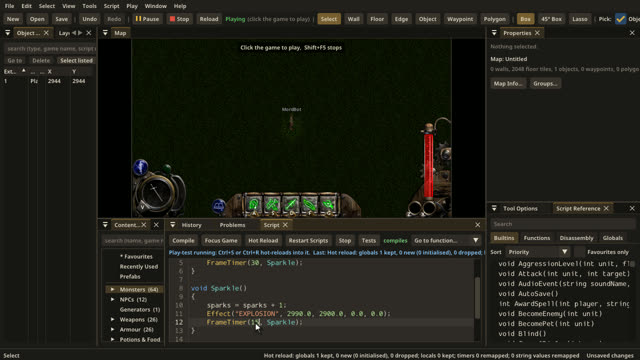 1:39Part 2 of 2Timers, hot reload and testsRepeat things with a timer, change a script while the game runs, look up any function in the Script Reference, and write a script test.
Game Mode Mods
Making modes · 4 videos · 9 minMake a game mode of your own as a mod, with Luau scripts written and tested in the map editor. One small mod, Gem Rain, is built up over the four parts.
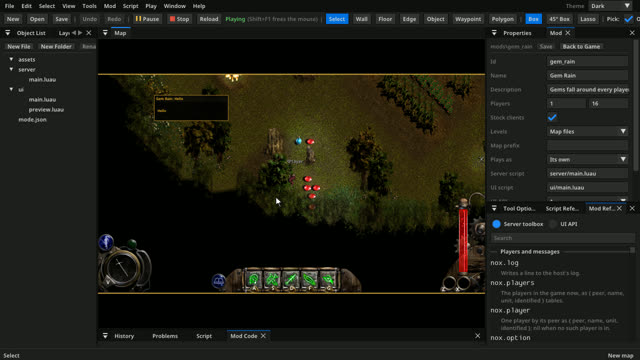 2:23Part 1 of 4Your first modeMake a new game mode in the map editor: fill in its form, write a short server script in Luau, let the checks catch a typo, and play-test it.
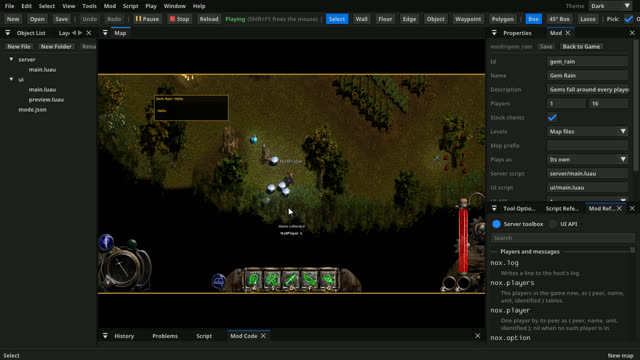 1:58Part 2 of 4Talking to playersGreet players, ask them a question with nox.choice, show them a table, and see what players of the original Nox get.
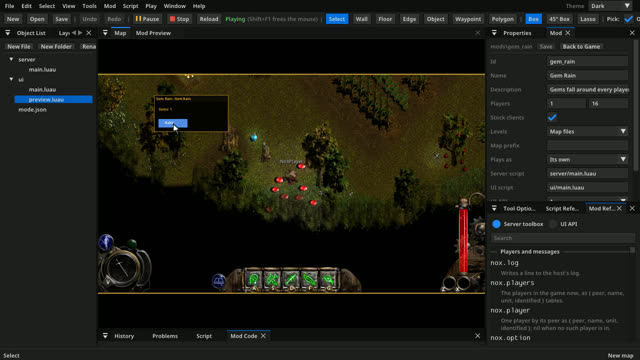 2:34Part 3 of 4A mode's own windowGive a mode its own window with a UI script, try it in the UI preview, send messages both ways between the window and the server, and change it while the game runs.
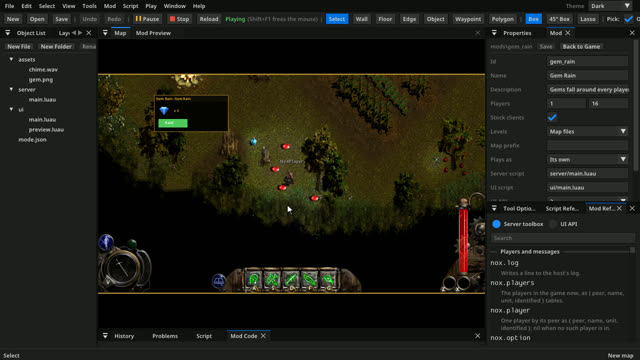 1:44Part 4 of 4Pictures, sounds and sharingAdd your own picture and sound to a mode's window, then export the mod as a zip for friends to install.
No video matches that. Try another word, or show them all.